Have I Been Pwned? How to Find Out if Your Data Has Been Stolen — and What to Do About It
A step-by-step guide to checking if your email or passwords have appeared in data breaches using Have I Been Pwned, and what to do if your data has been exposed.
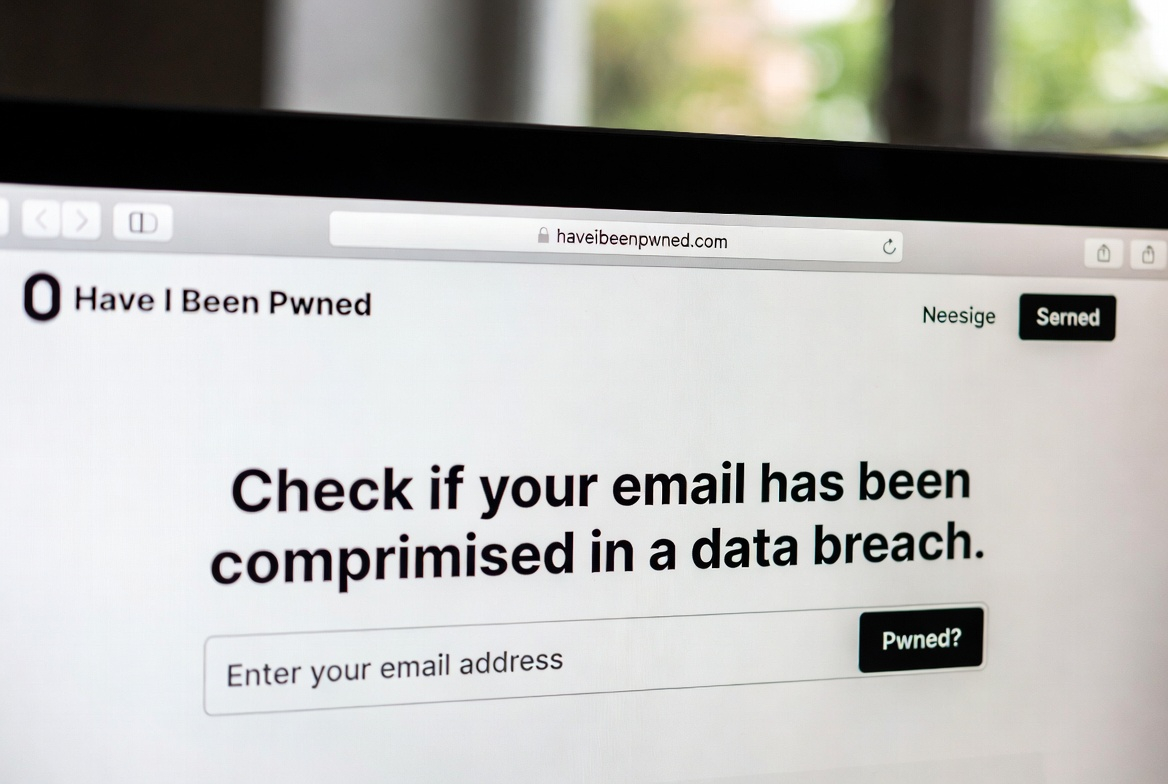
Somewhere on the internet, in a hacker forum or a dark web marketplace, there's a good chance your email address is sitting in a list alongside millions of others. It might have come from a breach at your favourite retailer, a gaming site you signed up for a decade ago, or a social media platform you forgot you even had an account with. The breach may have happened years ago — and you might never have heard about it.
The good news? There's a free tool that tells you in seconds. It's called Have I Been Pwned (haveibeenpwned.com), and if you haven't used it, you should — right now, before you finish reading this article.
This guide will walk you through what the site is, why it matters, how to use it step-by-step, and — most importantly — exactly what to do if you discover your data has been exposed. No jargon, no panic, just practical steps.
What Is Have I Been Pwned?
Have I Been Pwned (often shortened to HIBP) is a free website created in 2013 by Australian cybersecurity researcher Troy Hunt. The name comes from gamer slang — "pwned" (pronounced "owned") means to be completely beaten or taken over. In the security world, if your account has been "pwned," it means hackers have got hold of your data.
Hunt built HIBP after working on post-breach analysis following the massive Adobe data breach, where he kept seeing the same accounts appearing in breach after breach — often with the same passwords. He wanted to create a simple, public tool that would help ordinary people understand when they'd been affected, rather than leaving them in the dark.
"Data breaches are rampant and many people don't appreciate the scale or frequency with which they occur. By aggregating the data here I hope that it not only helps victims learn of compromises of their accounts, but also highlights the severity of the risks of online attacks on today's internet." — Troy Hunt, Founder of Have I Been Pwned
Today, HIBP is one of the most trusted and widely recommended tools in consumer cybersecurity. Consumer Reports, Mozilla Firefox, and the governments of several countries — including the UK's National Cyber Security Centre and the Australian Cyber Security Centre — officially recommend it.
How Big Is This Problem, Really?
Bigger than most people realise. As of 2025, HIBP tracks data from over 900 breached websites, with more than 15 billion compromised accounts in its database. In November 2025 alone, Hunt added nearly 2 billion unique email addresses and 1.3 billion passwords to the database — the largest single addition in HIBP's history — sourced from credential stuffing lists actively being used by cybercriminals.
And the problem is getting worse, not better. According to the Identity Theft Resource Center's 2025 annual report, the number of personal data compromises rose 5% last year to a record 3,322 events — up from 3,152 in 2024. A survey by the same organisation found that around 80% of respondents received at least one data breach notification in the previous 12 months, with nearly 40% receiving three to five separate notices.
Some real-world breaches that are already in HIBP's database include:
- Canadian Tire (October 2025): nearly 42 million records exposed, including names, phone numbers, physical addresses, and partial credit card data.
- University of Pennsylvania (October 2025): a ransomware attack targeted donor data affecting over 1.2 million people.
- National Public Data (2024): a background-check data broker exposed billions of rows of personal information, including US Social Security numbers, affecting an estimated 134 million unique email addresses.
- TransUnion (August 2025): nearly 4.5 million customers had names, birthdates, and Social Security numbers stolen via a third-party application.
The point isn't to alarm you — it's to show that data breaches are a normal feature of modern digital life. You almost certainly have accounts in at least one of these databases. The question is: do you know which ones?
How to Use Have I Been Pwned: A Step-by-Step Guide
Using HIBP takes about 60 seconds. Here's exactly what to do:
Step 1: Go to the website
Open your browser and go to haveibeenpwned.com. You'll see a clean, simple homepage with a single search bar. That's all you need.
Step 2: Enter your email address
Type your email address into the search bar and press enter. HIBP will check it against its entire database of breach data. Do this for every email address you use — people often have two or three active accounts across different services.
Is it safe to enter your email? Yes. HIBP only checks whether your email appears in a breach — it doesn't store your search, doesn't link your email to any personal profile, and according to its own FAQ, logs nothing beyond standard performance monitoring. The site is widely recommended by government cybersecurity agencies around the world.
Step 3: Read your results
You'll get one of two results:
- Good news — a green banner saying "Good news — no pwnage found!" means your email hasn't appeared in any known breaches in HIBP's database.
- Oh no — pwned! — a red banner means your email appeared in one or more breaches. Scroll down to see a list of every breach, including the name of the site, when it happened, and what type of data was exposed.
Don't panic if you see a red banner. Seeing your email in a breach doesn't mean your accounts are actively being attacked right now. It means your data was exposed at some point, and now you can take steps to protect yourself. The important thing is knowing.
Step 4: Check your passwords too
HIBP also has a separate Pwned Passwords tool at haveibeenpwned.com/Passwords. You can enter a password to check whether it has appeared in any known breach. Importantly, HIBP processes password checks in a way that means your actual password is never transmitted to the server — it uses a technique called k-anonymity to keep the check private. If a password you're currently using appears in the database, change it immediately on every account where you've used it.
Step 5: Set up breach notifications
You can register your email address with HIBP to receive automatic alerts if it appears in any future breach. This is free and means you don't have to keep coming back to check manually — you'll be notified proactively if your data is exposed going forward. To sign up, click "Notify me" on the homepage and follow the steps.
HIBP also recently launched version 2.0 with a new personal dashboard, making it easier to monitor multiple email addresses and view all your breach history in one place.
I've Been Pwned — Now What? Your Action Plan
Discovering you've been in a breach can feel alarming. But take a breath. Here's a calm, clear plan of action ranked by priority:
1. Change the affected passwords immediately
Look at which sites appeared in your breach results. Log in to each of those accounts and change your password. Make the new password long, unique, and something you haven't used anywhere else. Approximately 81% of data breaches are linked to weak or stolen passwords — a strong, unique password per site is your single most effective defence.
If you've used the same password on other accounts (and most people have), change those too. This is called credential stuffing — hackers take a leaked email and password pair and try it on banking, email, and shopping sites hoping you've reused it.
2. Turn on two-factor authentication (2FA)
Two-factor authentication means that even if someone has your password, they can't log in without a second verification step — usually a code sent to your phone or generated by an app like Google Authenticator or Authy. Turn this on for every important account: email, banking, social media, and anywhere that holds financial or personal data. It's one of the most effective security steps you can take.
3. Use a password manager
If managing unique passwords for every site sounds exhausting, a password manager solves this completely. Apps like 1Password, Bitwarden (free and open-source), or Dashlane generate and store strong, unique passwords for every site. You only need to remember one master password. Many password managers also integrate directly with HIBP's database to alert you when a saved password appears in a breach.
4. Freeze your credit if sensitive data was exposed
If a breach exposed your Social Security number, date of birth, or financial information — the kind of data that can be used to open new accounts in your name — consider placing a credit freeze with the three major bureaus: Equifax, Experian, and TransUnion. A credit freeze is free and prevents anyone from opening new credit accounts using your information. It doesn't affect your existing accounts or credit score, and you can lift it temporarily when you need to apply for credit.
According to the Identity Theft Resource Center, a credit freeze is the single most effective step you can take to prevent identity theft following a breach.
5. Watch your accounts and stay alert
In the weeks after discovering a breach, keep a closer eye than usual on your bank statements, email, and any accounts connected to the breached service. Look for unexpected logins, purchases you didn't make, or password reset emails you didn't request. Set up transaction alerts on your bank accounts if you haven't already.
Also be aware that breach victims are often targeted by phishing emails shortly after — criminals buy the leaked data and use it to send convincing-looking messages. If you get an email that references a service you use, go directly to that site rather than clicking any links in the email.
A Note on Sensitive Breaches
HIBP flags certain breaches as "sensitive" — these involve sites where the mere fact of having an account could be embarrassing or harmful to a person if made public (for example, dating sites or adult content platforms). These sensitive breaches don't appear in standard public searches. To check whether your email was in a sensitive breach, you can sign in to HIBP's dashboard using your email address, which verifies you as the account owner and unlocks those results privately. There are currently 83 sensitive breaches in the system.
Why Software Security Starts Before a Breach Happens
Tools like Have I Been Pwned are brilliant — and everyone should use them. But they're reactive by nature. They tell you after your data has already been exposed.
The deeper question is: why does so much data get breached in the first place? The answer, in most cases, is software that wasn't built with security as a priority. Outdated dependencies, insufficient access controls, poorly stored passwords, and insecure data handling are behind the overwhelming majority of breaches. When companies store passwords in plain text, fail to patch known vulnerabilities, or collect far more user data than they need, breaches aren't a matter of if — they're a matter of when.
At Evolving Cyber, our approach is to build security in from the very beginning — not as a compliance checkbox, but as a design principle. That means data minimisation (don't store what you don't need), proper encryption, secure development practices, and regular security testing. It means that if a system we build were to be breached, the impact would be far smaller — because we never held data we didn't need, and the data we did hold was properly protected.
But it goes deeper than engineering. We believe technology companies have an ethical responsibility to the people who use their products. Your data is not a resource to be mined. It's personal. It belongs to you. When we build software, we ask not just "does this work?" and "is this secure?" — but "is this right?" That means being transparent about what we collect, collecting only what we genuinely need, and never designing systems that exploit the gap between what users understand and what they've technically "agreed to."
The best outcome for every user is a future where HIBP returns fewer and fewer results — not because people stop checking, but because software is built better in the first place.
Quick Reference: Your HIBP Checklist
- Visit haveibeenpwned.com and search every email address you use.
- Check your passwords at haveibeenpwned.com/Passwords.
- Sign up for breach alerts so you're notified automatically in future.
- Change passwords on any account that appeared in a breach — and anywhere you reused that password.
- Enable two-factor authentication on all important accounts.
- Use a password manager — Bitwarden (free), 1Password, or Dashlane are all solid choices.
- Freeze your credit with Equifax, Experian, and TransUnion if financial or identity data was exposed.
- Stay alert to unusual account activity and phishing emails in the weeks following a breach.
Sources & Further Reading
- Have I Been Pwned — About https://haveibeenpwned.com/About
- Have I Been Pwned — FAQs https://haveibeenpwned.com/FAQs
- Have I Been Pwned — Latest Breaches Feed https://haveibeenpwned.com/feed/breaches/
- Security Journal UK (November 2025) https://securityjournaluk.com/have-i-been-pwned/
- DMARC Report (September 2025) https://dmarcreport.com/blog/have-i-been-pwned-check-data-breaches-simple-way/
- Consumer Reports https://www.consumerreports.org/electronics/data-theft/how-to-use-have-i-been-pwned-data-breach-a6598286668/
- InfoQ (June 2025) https://www.infoq.com/news/2025/06/hibp2-launch/
- Paubox (November 2025) https://www.paubox.com/blog/have-i-been-pwned-adds-2-billion-email-addresses-database
- CNBC (January 2026) https://www.cnbc.com/2026/01/29/personal-information-data-breaches.html
- Norton (October 2025) https://us.norton.com/blog/emerging-threats/what-to-do-after-a-data-breach
- LifeLock / Norton (December 2025) https://lifelock.norton.com/learn/data-breaches/steps-to-take-right-after-a-data-breach
- Identity Theft Resource Center — Annual Data Breach Report 2025 https://www.idtheftcenter.org/
- FTC Consumer Advice https://consumer.ftc.gov/media/79862
- California Privacy Protection Agency (November 2025) https://privacy.ca.gov/2025/11/steps-to-better-protect-your-personal-information-from-hackers-breaches-and-other-harms/
Evolving Cyber — We build software with security in mind. For more consumer security guides, visit evolvingcyber.com